NOMR Enters the Second Dimension
By Andrew Cabbage | Student Developer | August 4th, 2026
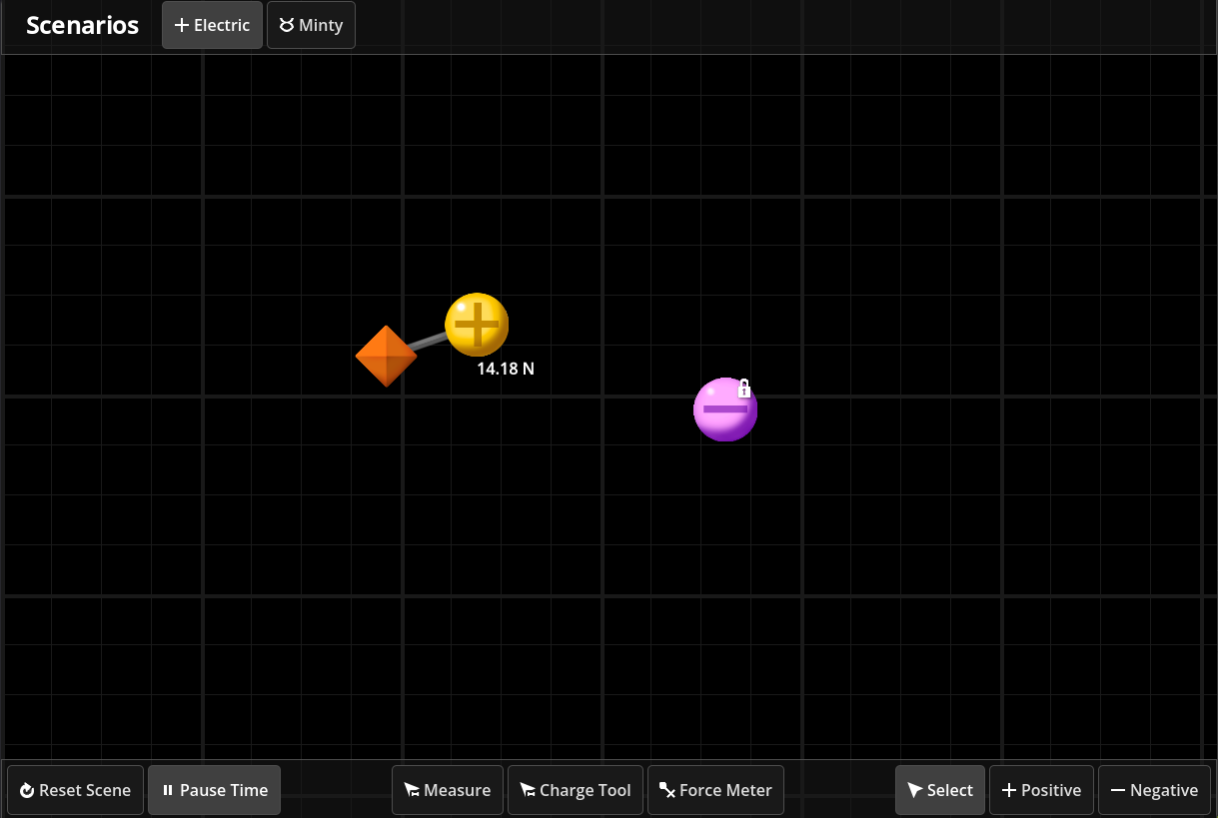
As an effort to make NOMR and its educational benefits more accessible to students, staff, and classroom, NOMR is proud to present an alternative to the classic VR simulation, all available in your browser. This version of NOMR features tighter design, minimal complexity, and accessible controls for desktop and mobile devices.
An image of the 2D simulation space demonstrating a simple experimental setup
.
This new application features two simulations, "Electric Particles" and "Minty". Both are two-dimensional replicas of the VR simulations. All inputs can be performed with just mouse or touch. We hope this allows a wider audience to enjoy NOMR simulations, both within and far beyond UW campus.
The simulation was programmed using Godot Engine. The simulation can be accessed with the following link.
You Look Different!...
By Andrew Cabbage | Student Developer | April 18th, 2026
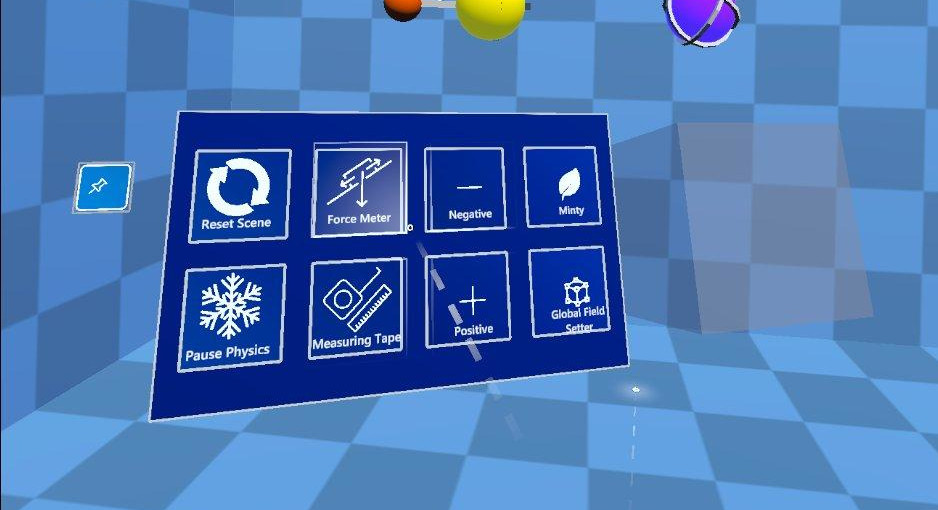
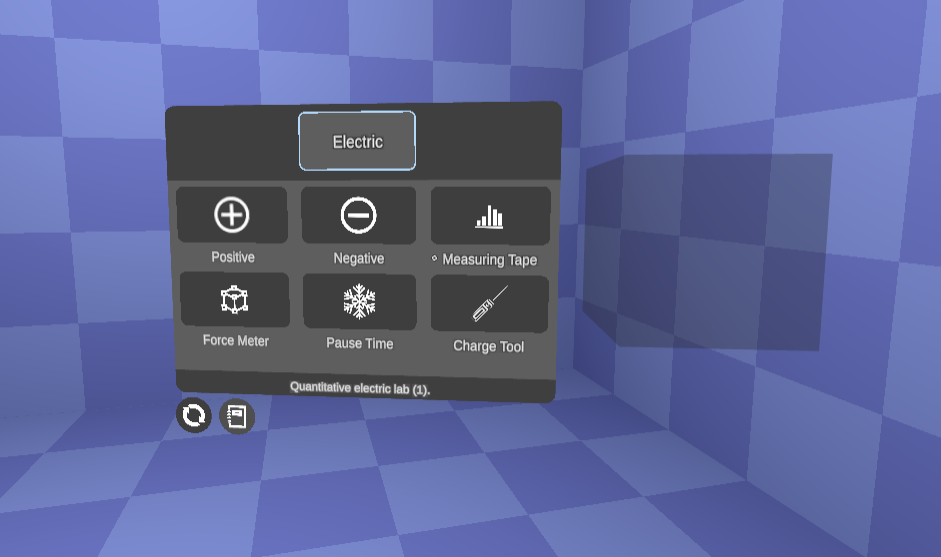
Recently, the NOMR project has gone through significant changes to the underlying UI system which supports the project. First and foremost is the change in style/appearance of the platform. UI elements have taken on a flat and sleek aesthetic for better readability, ease of use, and consistency with the mission of the NOMR platform.
Secondly, the UI is now much easier to iterate and expand on using our new dynamic loading system. Instead of switching out prefabricated menus or toggling particular buttons on and off, the new UI system uses a dynamic loading system which adds and removes buttons on demand in accordance with a virtual menu profile. This keeps the overhead low and menus customizable.
An image of the old NOMR spawn menu (pre-2026)
.
Another improvement to the menus is the visual animation and feedback. The original buttons were fairly bloated and used CPU calculations for visuals, whereas now we have moved animations to the GPU using a state dictionary and timer. This imrpoves latency in the headset by about 0.3 ms, which is a very solid improvement when every frame counts.
On top of the improvements to the menus, the look of the lab environment has been changed too, using a math-based grid instead of a texture. The scale of the workspace has been made uniform, and the colors have been altered for less eye-strain. Lastly, NOMR now uses 4x MSAA for anti-aliasing in VR, which is a common and accurate way to improve visuals for VR applications without losing performance.
An image of the new NOMR spawn menu (post-2026)
.
We at NOMR hope these visual improvements make NOMR feel like a more finished product for the classroom environment. Our number one priority is the experience of the students in our labs, and we continually welcome feedback from them. If you have any comments, concerns, or reccomendations, please don’t hesitate to reach out to use.